Microsoft 365 Tips and Training for Assistants
Helping you get more from Microsoft 365 (and Copilot) 🎓✨
Welcome to MS Office Maestro, where Microsoft 365 meets real-world productivity.
This blog is packed with practical, easy-to-use tips for Word, Excel, PowerPoint, Outlook, and Teams, alongside simple, effective ways to use Copilot in your day-to-day work.
If you’re juggling priorities, supporting senior leaders, and looking for smarter ways to manage your day, you’re in the right place.
Read the blog to learn more about becoming more productive with Microsoft Applications
Sign up for Tech Tips and Tales from The MS Office Maestro delivered to your Inbox every Thursday.
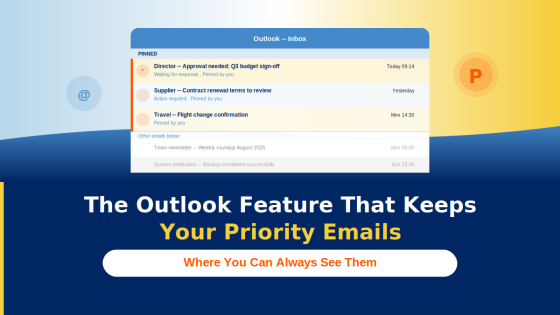
Stop losing priority emails in a busy inbox. This simple New Outlook feature creates an instant priority list in one right-click.
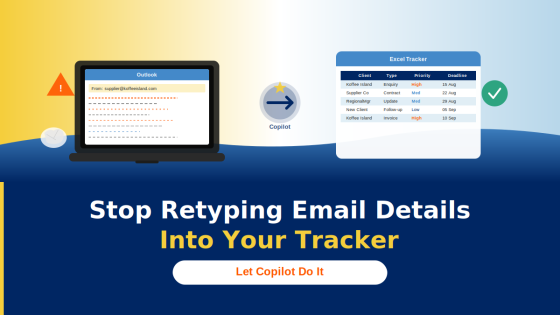
You open an email. There’s a client enquiry in there — name, deadline, type of request, a few notes. You need it in your tracker.
How can I make replies to a meeting request stop flooding my inbox?

Keeping your meeting invitees private can be tricky!
You need to have a meeting with someone, make it easy to choose a date and time by emailing them a copy of your calendar

Did you know that in Outlook you can reply to an email with a meeting request?
Read the blog to learn more about becoming more productive with Microsoft Applicaitons.
Sign up for Tech Tips and Tales from The MS Office Maestro.