Microsoft 365 Tips and Training for Assistants
Helping you get more from Microsoft 365 (and Copilot) 🎓✨
Welcome to MS Office Maestro, where Microsoft 365 meets real-world productivity.
This blog is packed with practical, easy-to-use tips for Word, Excel, PowerPoint, Outlook, and Teams, alongside simple, effective ways to use Copilot in your day-to-day work.
If you’re juggling priorities, supporting senior leaders, and looking for smarter ways to manage your day, you’re in the right place.
Read the blog to learn more about becoming more productive with Microsoft Applications
Sign up for Tech Tips and Tales from The MS Office Maestro delivered to your Inbox every Thursday.
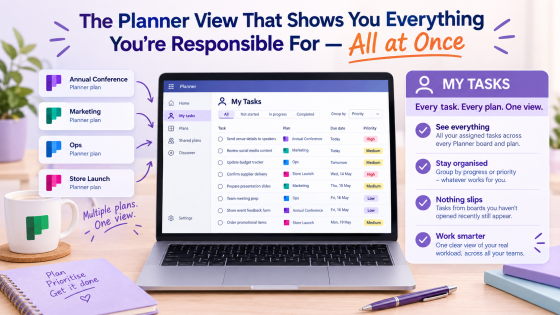
Stop hunting through multiple Planner boards for your tasks. My Tasks brings them all together so nothing slips through.
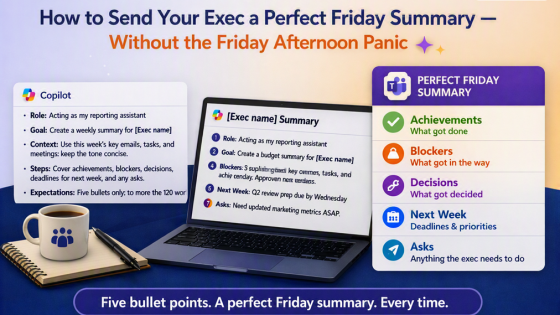
Stop staring at a blank update on Friday afternoon. This Copilot prompt pulls your week together in under two minutes
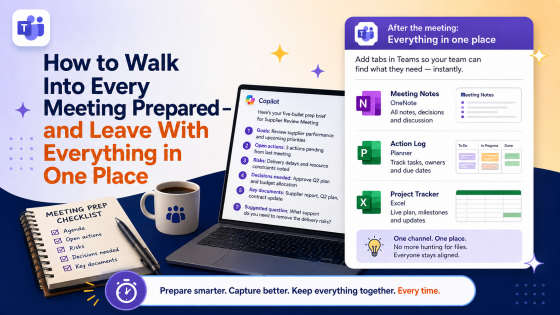
Stop juggling emails and files before meetings. This Copilot prep habit and Teams tab tip will change how your meetings feel.
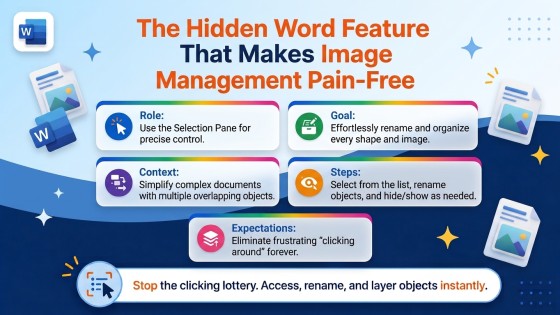
Stop clicking around trying to grab that image or shape in Word. The Selection Pane shows you everything in one place.
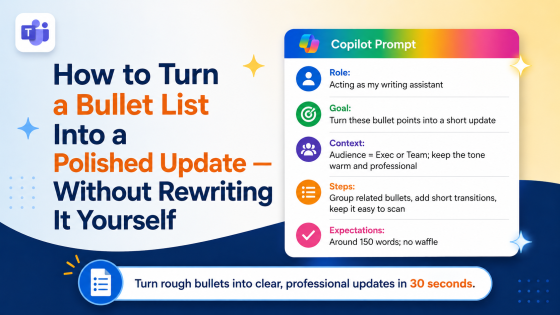
Stop rewriting bullet points into prose by hand. Copilot does it in one prompt — warm, professional, and ready to send.
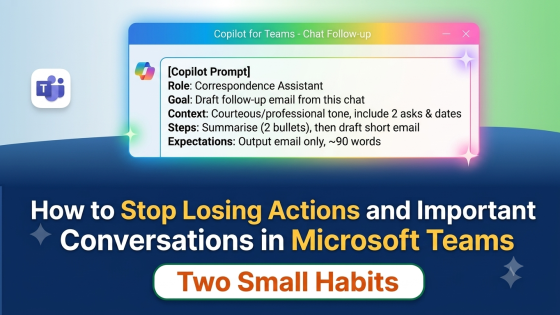
Actions drift in Teams because chats are easy to lose. Here's how Copilot and one underused feature fix that in minutes.
Read the blog to learn more about becoming more productive with Microsoft Applicaitons.
Sign up for Tech Tips and Tales from The MS Office Maestro.