Microsoft 365 Tips and Training for Assistants
Helping you get more from Microsoft 365 (and Copilot) 🎓✨
Welcome to MS Office Maestro, where Microsoft 365 meets real-world productivity.
This blog is packed with practical, easy-to-use tips for Word, Excel, PowerPoint, Outlook, and Teams, alongside simple, effective ways to use Copilot in your day-to-day work.
If you’re juggling priorities, supporting senior leaders, and looking for smarter ways to manage your day, you’re in the right place.
Read the blog to learn more about becoming more productive with Microsoft Applications
Sign up for Tech Tips and Tales from The MS Office Maestro delivered to your Inbox every Thursday.
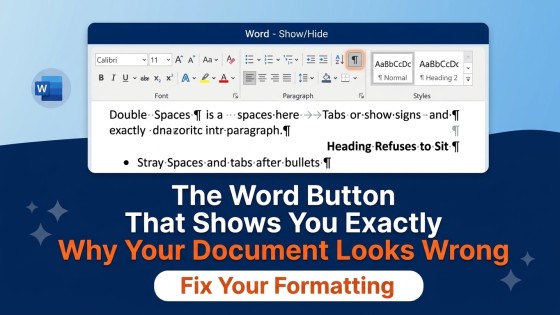
Strange spacing, jumping bullets, stubborn headings? Show/Hide formatting marks in Word reveals the hidden characters causing the problem
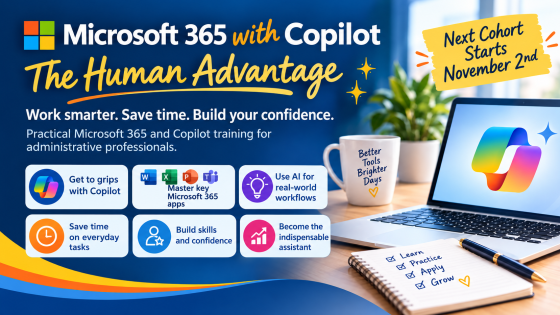
Real Microsoft 365 foundations, real Copilot confidence. Cohort 6 opens Monday 2nd November, early bird pricing ends 19th October.
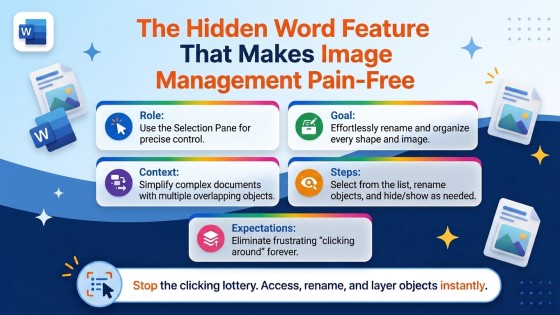
Stop clicking around trying to grab that image or shape in Word. The Selection Pane shows you everything in one place.
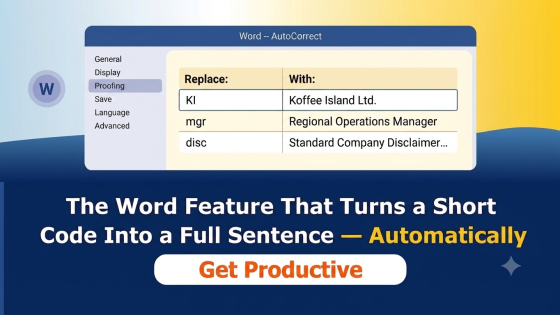
One small Word setting that quietly saves you hundreds of keystrokes a week.
In this blog post, we're going to look at how using researcher in word could help you with your writing
In this blog post, we're going to dive into the Accessibility Checker
Read the blog to learn more about becoming more productive with Microsoft Applicaitons.
Sign up for Tech Tips and Tales from The MS Office Maestro.