Microsoft 365 Tips and Training for Assistants
Helping you get more from Microsoft 365 (and Copilot) 🎓✨
Welcome to MS Office Maestro, where Microsoft 365 meets real-world productivity.
This blog is packed with practical, easy-to-use tips for Word, Excel, PowerPoint, Outlook, and Teams, alongside simple, effective ways to use Copilot in your day-to-day work.
If you’re juggling priorities, supporting senior leaders, and looking for smarter ways to manage your day, you’re in the right place.
Read the blog to learn more about becoming more productive with Microsoft Applications
Sign up for Tech Tips and Tales from The MS Office Maestro delivered to your Inbox every Thursday.
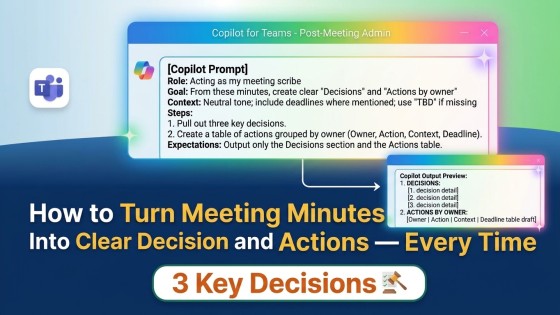
Unclear minutes cause confusion and missed follow-ups. This Copilot prompt and one Teams trick fix both, right after the meeting ends.
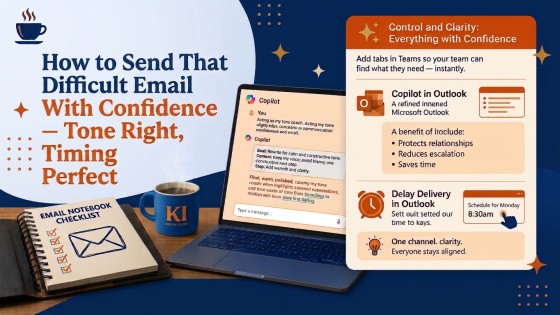
The wrong tone or timing can damage a professional relationship. Here's how Microsoft 365 helps you get both right before you hit send.
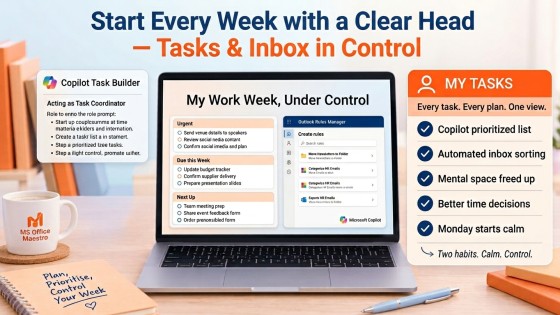
Stop starting the week scattered. This Copilot task list and one Outlook rule give you focus before the noise even starts.
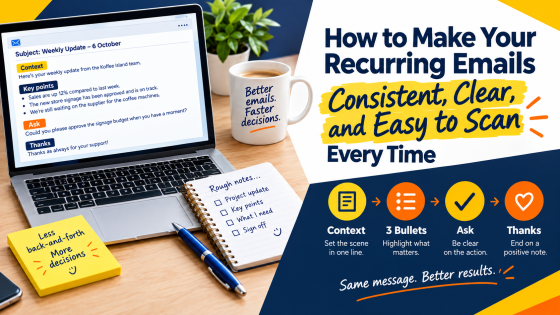
Inconsistent updates slow down approvals and confuse readers. One Copilot prompt and a simple structure fixes that for good.
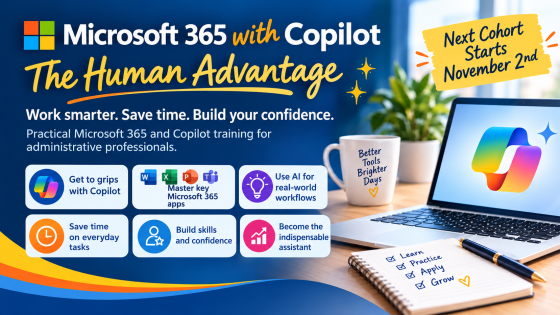
Real Microsoft 365 foundations, real Copilot confidence. Cohort 6 opens Monday 2nd November, early bird pricing ends 19th October.
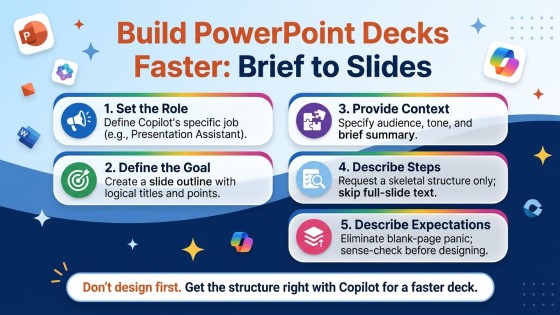
Two PowerPoint habits that cut the time it takes to go from brief to finished deck — one with Copilot, one already in your ribbon.
Read the blog to learn more about becoming more productive with Microsoft Applicaitons.
Sign up for Tech Tips and Tales from The MS Office Maestro.