Microsoft 365 with Copilot: The Human Advantage
 Shelley Fishel
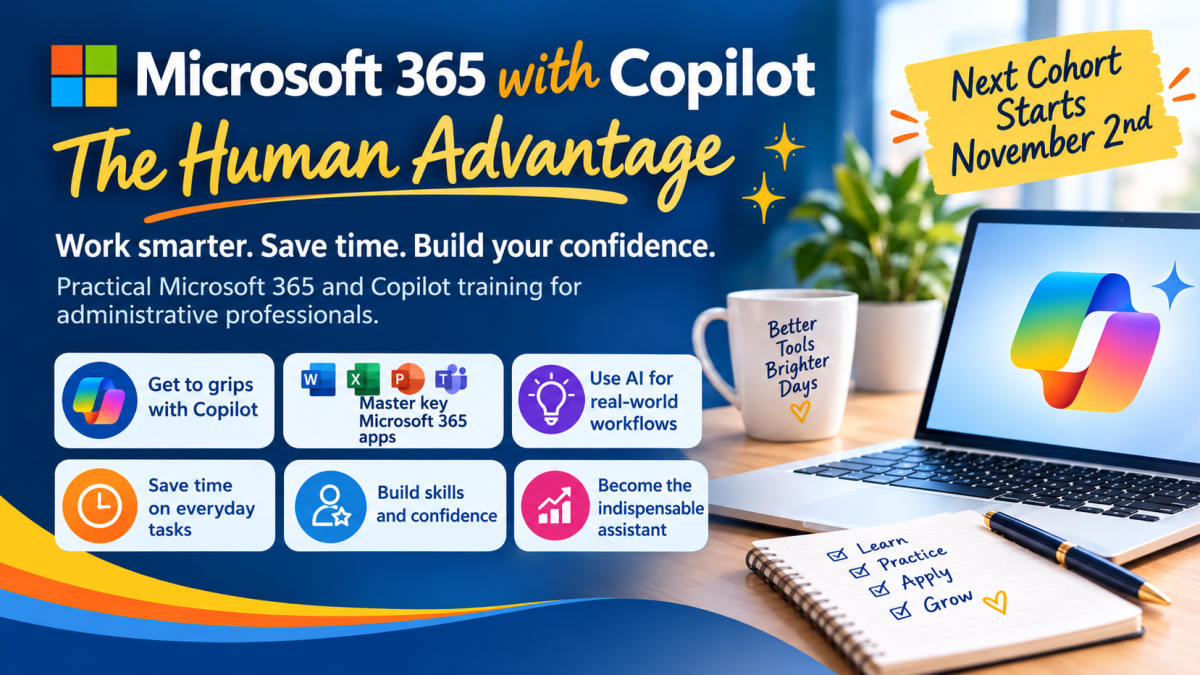
Real Microsoft 365 foundations, real Copilot confidence. Cohort 6 opens Monday 2nd November, early bird pricing ends 19th October.
There's a particular kind of exhaustion that comes from watching your inbox multiply while a colleague asks, for the third time this week, whether you've “tried the AI thing yet.” You have. It gave you a bullet list that sounded like nobody in your organisation, and you quietly went back to doing it yourself.
Here's the thing nobody tells you about Copilot: it's only as good as the person using it. If you don't understand document structure, you won't know when Copilot's Word output needs fixing. If you've never set up a Slide Master, you can't direct Copilot to build a properly branded presentation. If you don't know what a good email sounds like, you can't judge whether Copilot's draft is right for your audience.
That's the gap this course closes. Not the “here are some prompts” gap, the other one - the gap between knowing Copilot exists and knowing how to make it sound like you, think like you, and actually save you time instead of creating a new job of checking its work.
This Course Is for You If...
- You use Microsoft 365 every day but know there are things you've never been properly shown
- You want to use Copilot confidently, not just click buttons and hope for the best
- You've tried Copilot but weren't sure if the output was any good
- You want to work faster without sacrificing quality or your own voice
- You're ready to invest in skills that will change how you work, not just for now, but as AI keeps evolving
Every session runs through a single running scenario, Koffee Island, a fictional coffee chain whose Q1 performance review, board deck, and inbox chaos become the material you practise on. By the end you're not just clicking buttons, you're making the calls about when Copilot helps and when it doesn't.
The Four Sessions
Session 1: Copilot in Action, Your Productivity Partner
Understand the ecosystem, master prompting and set the foundation for everything that follows. You'll learn how Microsoft 365 works as a connected ecosystem, the difference between Copilot Chat and in-app Copilot, how Copilot works securely with your files and emails, and a clear, repeatable framework for writing effective prompts.
Session 2: Word with Copilot, From Foundations to Impact
Master the Word skills most people were never taught, then use Copilot to go further faster. Styles, themes, document structure, templates and AutoText, and how to use Copilot to draft, rewrite, refine and populate a branded template intelligently.
Session 3: PowerPoint with Copilot, Designing Impactful Presentations
Build the PowerPoint foundations that make Copilot's presentations actually look like yours. Slide Master, brand colours, fonts and layouts, and using Copilot to create and improve presentations, including generating images directly within PowerPoint.
Session 4: Copilot Cafe, Collaboration with Teams and Outlook
Use Copilot to communicate more effectively, with the judgement to know when it needs a human touch. Draft versus Coach in Outlook, meeting recaps and action items in Teams, and the safety and review checks that matter before you send or share anything Copilot has produced.
Dates, Format and Investment
Cohort 6 starts Monday 2nd November, four 90-minute sessions running weekly on
📅 Mondays 2nd, 9th, 16th, 23rd November
⏰ 10:00-11:30 EDT / 15:00-16:30 UK time,
💻 Delivered live via Microsoft Teams with lifetime access to the recordings.
Early bird price is £297 per person, valid until 19th October. Standard price after that is £397.
Want to go further? Add the optional Excel with Copilot workshop, a 90-minute live webinar on formulas, data analysis, charts and cleaning messy data, for £77 when booked alongside the main course (normally £97).
Categories: : AI, Copilot, Microsoft 365 with Copilot, Microsoft Outlook, Microsoft PowerPoint, Microsoft Teams, Microsoft Word