Microsoft 365 Tips and Training for Assistants
Helping you get more from Microsoft 365 (and Copilot) 🎓✨
Welcome to MS Office Maestro, where Microsoft 365 meets real-world productivity.
This blog is packed with practical, easy-to-use tips for Word, Excel, PowerPoint, Outlook, and Teams, alongside simple, effective ways to use Copilot in your day-to-day work.
If you’re juggling priorities, supporting senior leaders, and looking for smarter ways to manage your day, you’re in the right place.
Read the blog to learn more about becoming more productive with Microsoft Applications
Sign up for Tech Tips and Tales from The MS Office Maestro delivered to your Inbox every Thursday.
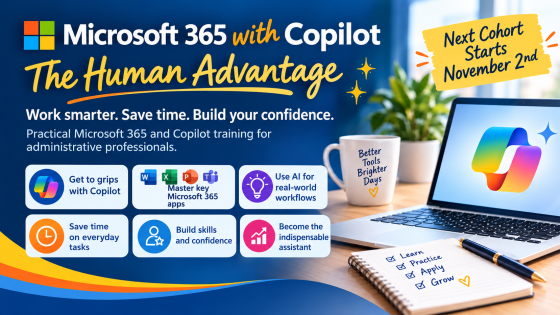
Real Microsoft 365 foundations, real Copilot confidence. Cohort 6 opens Monday 2nd November, early bird pricing ends 19th October.

Here are eight key principles to follow when creating a PowerPoint presentation:

Don't let your bullet point be boring

Why would you need to create a timeline? What purpose does it serve?
What would PowerPoint be without bullet points!

A compelling narrative and messages can be shared effectively through presentations. Yet, how often is this done well?
Read the blog to learn more about becoming more productive with Microsoft Applicaitons.
Sign up for Tech Tips and Tales from The MS Office Maestro.