Stop Retyping Email Details Into Your Tracker — Let Copilot Do It
 Shelley Fishel
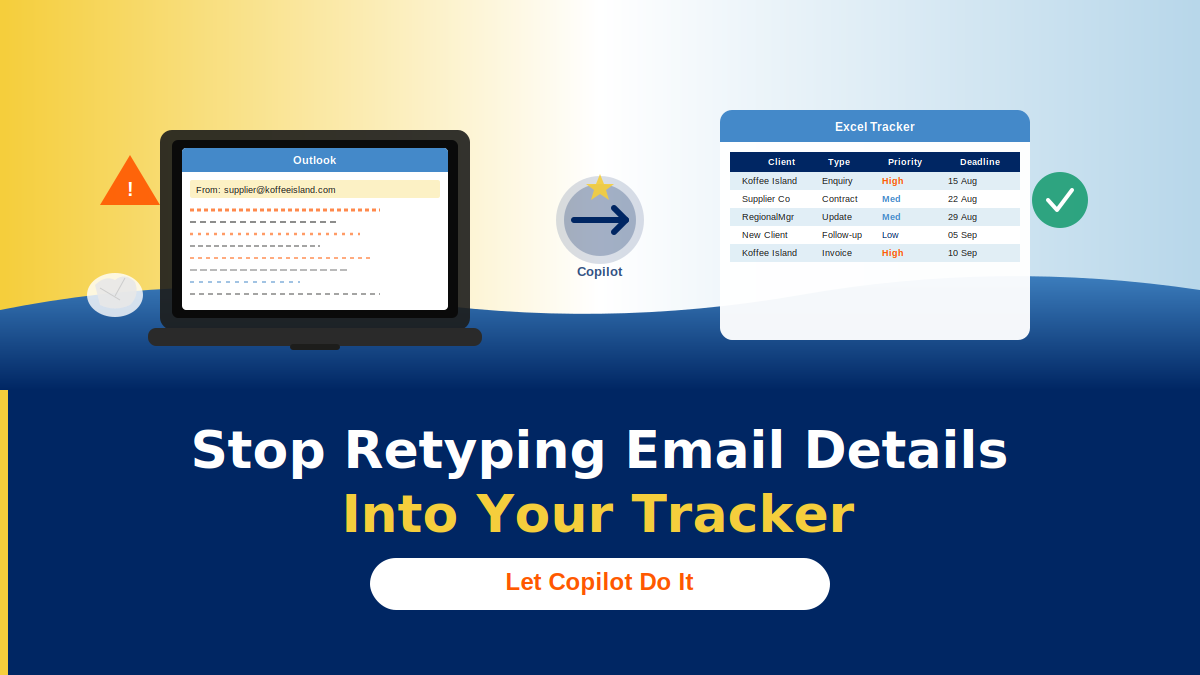
You open an email. There’s a client enquiry in there — name, deadline, type of request, a few notes. You need it in your tracker.
Stop Retyping Email Details Into Your Tracker — Let Copilot Do It
You open an email. There’s a client enquiry in there — name, deadline, type of request, a few notes. You need it in your tracker.
So you read it, mentally pick out the relevant bits, and retype them. Then the next email arrives. And the next.
It’s not a huge task. But it’s repetitive, it’s easy to miss things, and when you’re handling a high volume of similar emails it quietly eats time you don’t have. This is exactly the kind of task Copilot in Outlook was made for.
The Koffee Island situation
The operations team at Koffee Island receives supplier enquiries every day. Each one needs logging — supplier name, enquiry type, priority, deadline, any notes. Without a consistent process, fields get missed, formats vary between team members, and the tracker becomes unreliable.
With one Copilot prompt, that changes. The email gets read, the relevant fields get extracted, and a structured table row comes back ready to paste into Excel. Every time. Same format, no matter who runs it.
The Copilot prompt to use
Open the email you want to extract from, then use this prompt in Copilot:
Role: Acting as my Executive Assistant
Goal: Extract key details from this email into a structured table row I can copy into Excel
Context: I receive similar emails and need consistent fields captured quickly
Steps: Extract the key details from this email and present them in a table
Expectations: Columns = Client, Enquiry Type, Priority, Deadline, Notes — leave blanks if missing
Copilot reads the email and returns a formatted table row, ready to copy straight into your tracker.
Why this works so well
Three things improve immediately when you build this into your workflow:
- Retyping disappears. You’re not copying details by hand any more — Copilot does the reading and structuring for you.
- Consistency improves. Every row follows the same column structure, regardless of who processes the email or how the original message was written.
- Reporting gets faster. A clean, consistently structured tracker is much easier to filter, sort, and report from at the end of the week.
It’s a small change that compounds quickly, especially if you’re dealing with a steady stream of similar emails.
Quick win
Open one email right now that you’d normally log manually. Run the prompt above. Paste the result into your tracker.
One email, one prompt, one less thing to retype — that’s your quick win for today.
Want to build more workflows like this?
Cohort 5 of Microsoft 365 with Copilot — The Human Advantage starts on 8th September, with live online sessions every Tuesday:
- Tuesday 8th September
- Tuesday 15th September
- Tuesday 22nd September
- Tuesday 29th September
It’s a practical, real-world programme designed specifically for assistants and executive assistants who want to work smarter with Microsoft 365 and Copilot.
👉 Join the Cohort 5 waiting list
Categories: : Copilot, Microsoft 365 with Copilot, Microsoft Outlook