Why Copilot Struggles with Messy Word Documents (and How to Fix It)
 Shelley Fishel
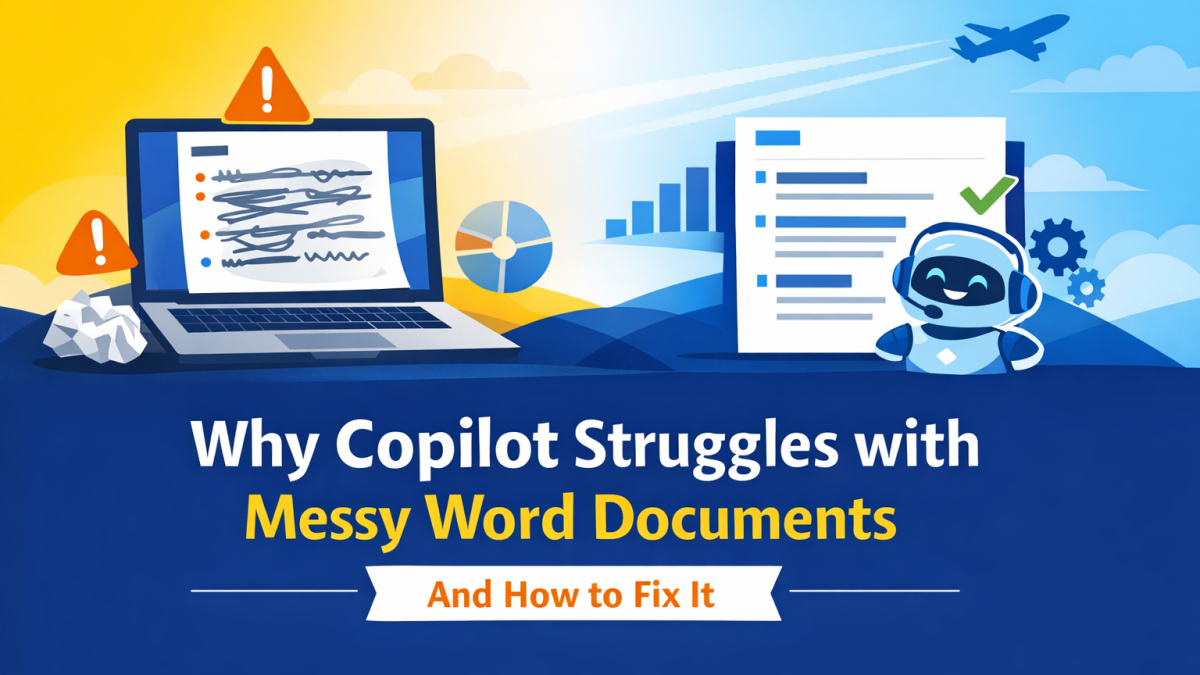
Learn why Copilot in Word works better with structured documents, and how styles improve clarity, speed, and consistency
If you’ve ever asked Copilot in Word to rewrite a document and thought,
“That’s not quite what I meant”, you’re not alone.
Most people assume it’s the prompt.
In reality, it’s usually something else entirely.
Copilot reads structure, not just words
One of the biggest lightbulb moments in my recent training session was this:
Copilot doesn’t just look at your text, it reads your document structure.
If your document is one long block of text with no formatting:
- Everything looks the same
- There’s no hierarchy
- Key points aren’t clear
But when you use styles like Headings, you give Copilot a map.
That’s when the output becomes clearer, more structured, and far more usable.
What difference do styles actually make?
Let’s take a simple example.
Imagine you’re working on a supplier guide at Koffee Island.
Without styles:
- Copilot sees a wall of text
- Sections blur together
- The rewrite lacks clarity
With styles applied:
- Headings define each section
- Content is grouped logically
- Copilot can reorganise more intelligently
The result is a document that feels structured, not stitched together.
A simple way to work with Copilot in Word
Before you even write your prompt:
- Apply Heading styles to your document
- Break content into logical sections
- Then ask Copilot to rewrite or refine
For example:
Rewrite this document into a clear, structured format.
Use headings, short paragraphs and bullet points.
Keep the tone concise and suitable for an internal audience.
You’ll get a much stronger first draft, with far less editing needed.
Start with a template, not a blank page
If you want to make this even easier, start with a template.
A good template gives you:
- Pre-defined styles
- Consistent formatting
- A clear structure from the start
And that benefits both you and Copilot.
You spend less time formatting, and Copilot works with clearer signals.
Where AutoText fits in
Another question that came up in the session was:
When should I use Copilot, and when should I just reuse content?
Here’s a simple rule:
- Use AutoText for standard, repeated content (disclaimers, boilerplate, responses)
- Use Copilot when you need help thinking, rewriting, or reshaping content
It’s not either/or, the best workflows combine both.
The real takeaway
If you improve your document structure, you improve your results.
Not just in Word, but in how you communicate overall.
Copilot isn’t replacing good working habits.
It’s amplifying them.
✅ Quick win
Next time you open Word:
- Don’t start typing straight away
- Apply a few simple heading styles first
- Then bring in Copilot
It’s a small shift, but it makes a noticeable difference.
🚀 Ready to go further?
If this resonates and you’d like to build these skills properly, with guidance and real-world practice, you might enjoy joining the next cohort.
Cohort 5 of Microsoft 365 with Copilot – The Human Advantage starts in September, with live sessions on:
- Tuesday 8th September
- Tuesday 15th September
- Tuesday 22nd September
- Tuesday 29th September
We cover exactly this kind of practical workflow, how to structure documents, work effectively with Copilot, and use the right tool at the right time.
👉 Join the Cohort 5 waiting list
Have fun with Styles, Copilot, Autotext and Templates and let me know what resonated for you.