Is Your Copilot Draft Falling Flat? Try Writing a Brief First
 Shelley Fishel
If Copilot keeps missing the mark, this one habit will change that immediately.
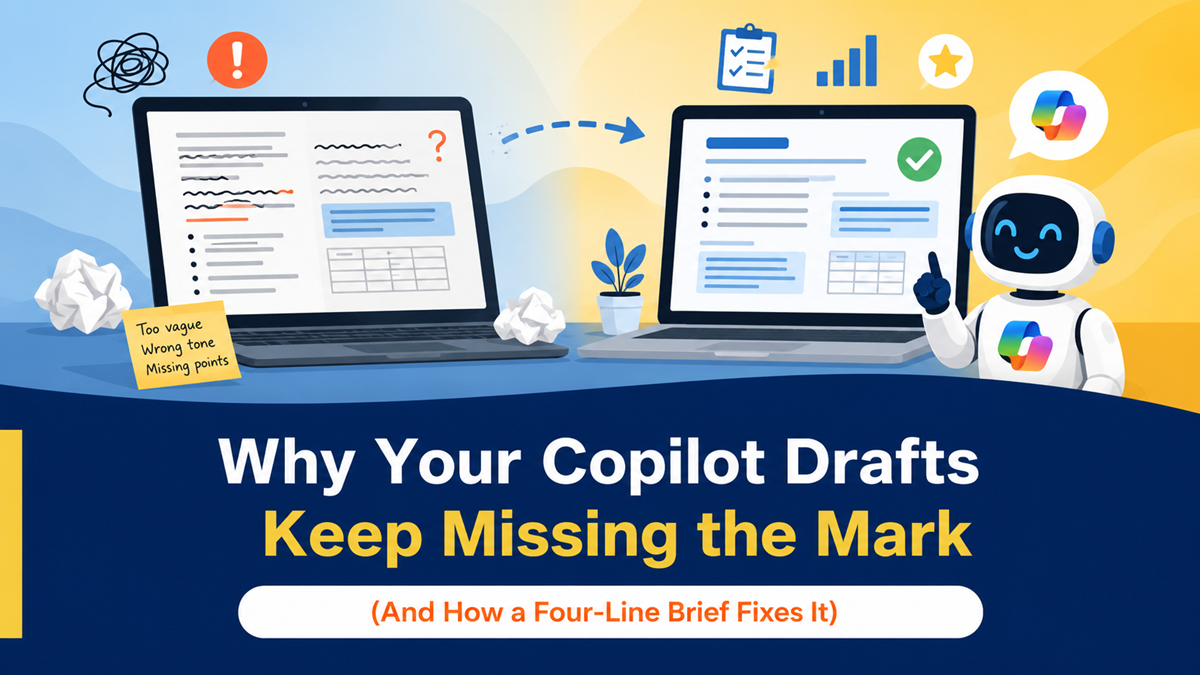
Why Your Copilot Drafts Keep Missing the Mark (And How a Four-Line Brief Fixes It)
You know when you ask Copilot to draft something, and what comes back is technically fine — but it's not quite right? The tone is off, or it's missing the point you actually wanted to make, or it just doesn't sound like you?
It's tempting to think Copilot isn't that useful for writing. But most of the time, the problem isn't Copilot. It's the amount of context it was given to work with.
A small habit change makes a big difference here.
The problem with diving straight into a prompt
When you ask Copilot to "draft a quick update for the team," it does its best — but it's essentially guessing. It doesn't know what the three key points are, who the audience is, what tone you want, or what you actually need the reader to do afterwards.
More context in means better output out. And the easiest way to give Copilot that context is to write a short brief first — before you ask it to draft anything.
It takes about two minutes. And it changes the quality of what comes back completely.
How to do it: brief first, then draft
At Koffee Island, the marketing coordinator uses this every time she needs to send a supplier update or internal announcement. Instead of jumping straight to Copilot, she spends two minutes writing four lines:
- Who is this for?
- What are the three things they need to know?
- What tone does it need?
- What should they do next?
Then she pastes that brief into Copilot with this prompt:
The Copilot prompt:
Role: Acting as my briefing assistant
Goal: Draft a short update using the brief below
Context: Audience = Exec or Team; include the three key points
Steps: Use the brief; structure it with a short intro, three bullets, and a close
Expectations: Around 100–120 words; keep my voice
The draft that comes back is noticeably better — cleaner structure, right tone, actually says what she meant. She usually spends less than a minute editing it before it's ready to send.
Why this helps
You stop rewriting from scratch. When Copilot has the right input, it produces something genuinely useful rather than something that needs overhauling.
Your messages land better. A brief forces you to clarify your own thinking before you write — which means the final message is clearer, more purposeful, and easier for the reader to act on.
It works for everything. Updates, proposals, follow-up emails, status reports — the brief-first approach works wherever you need Copilot to write in your voice.
Quick win
Next time you're about to ask Copilot to draft something, pause for two minutes first. Write four lines:
- Who is this for?
- What are the three key points?
- What tone?
- What do you want them to do?
Then run the prompt above. Compare what comes back to what you'd normally get without a brief. You'll notice the difference immediately.
Want to use Copilot properly — not just hopefully?
Microsoft 365 with Copilot — The Human Advantage is a practical programme that teaches you how to get genuinely useful results from Copilot in your real day-to-day work — not just in demos.
Categories: : Copilot